Account
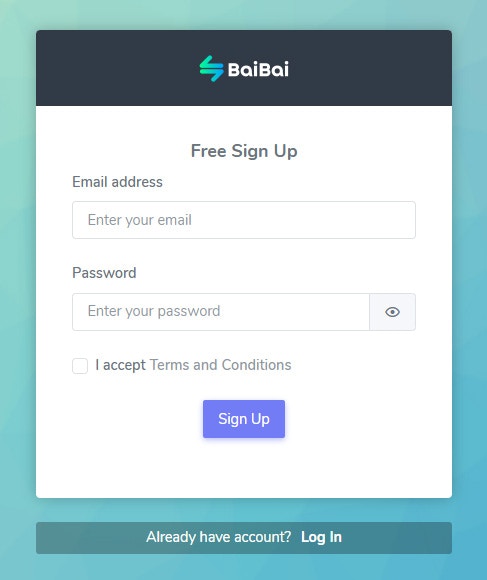
Setting up your account is the first step to using BaiBai. Go to baibaibot.com to create your account.1. Sign Up
2. Confirm Email
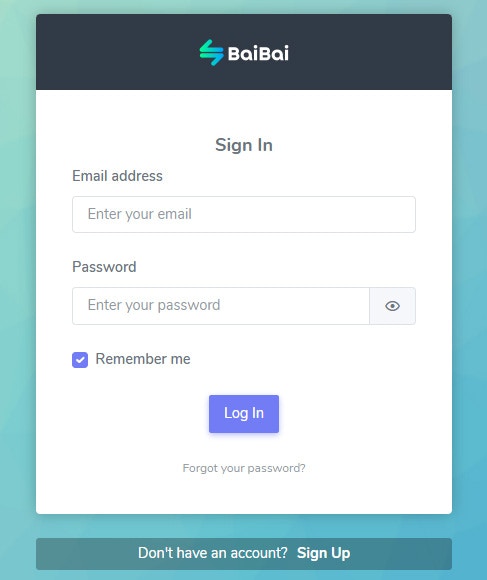
3. Sign In
Note: Your account info is not shared with any third parties.
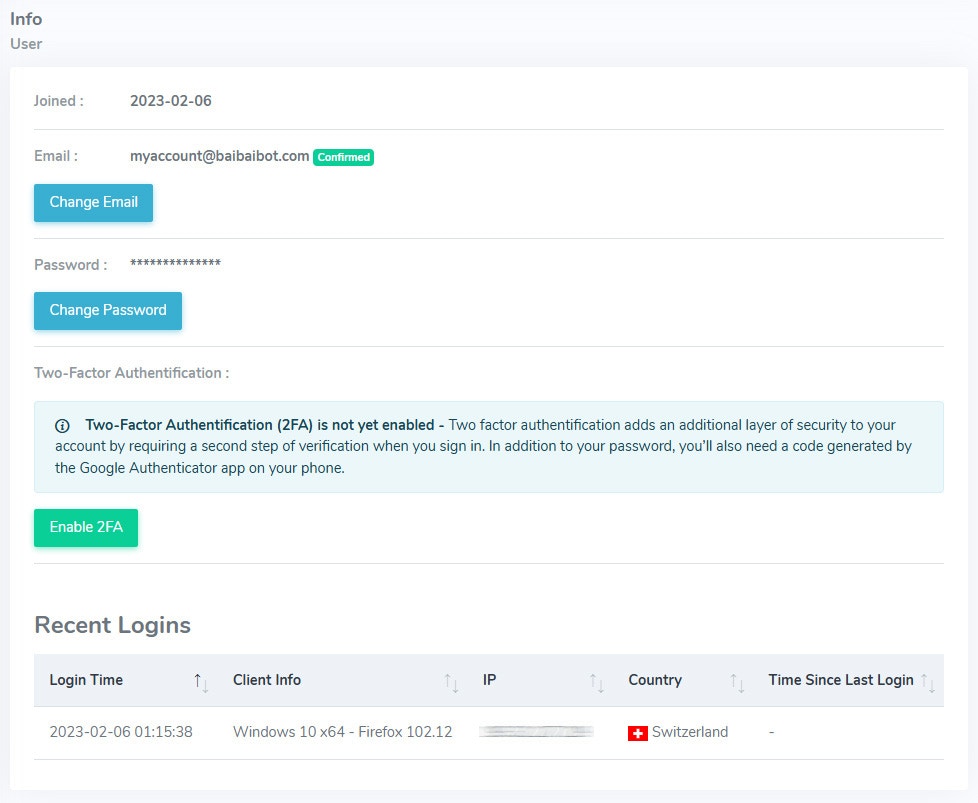

Two-Factor Authentication
Two-Factor Authentication (2FA) adds an extra layer of security to your account. When enabled, you will need to provide a verification code in addition to your password when logging in.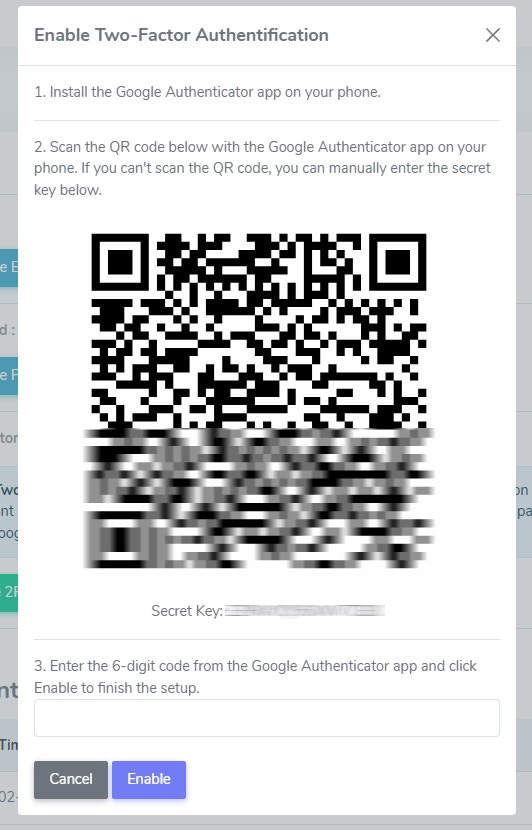
Recent Login Activity
You can also view your recent login activity to see when and where your account was accessed.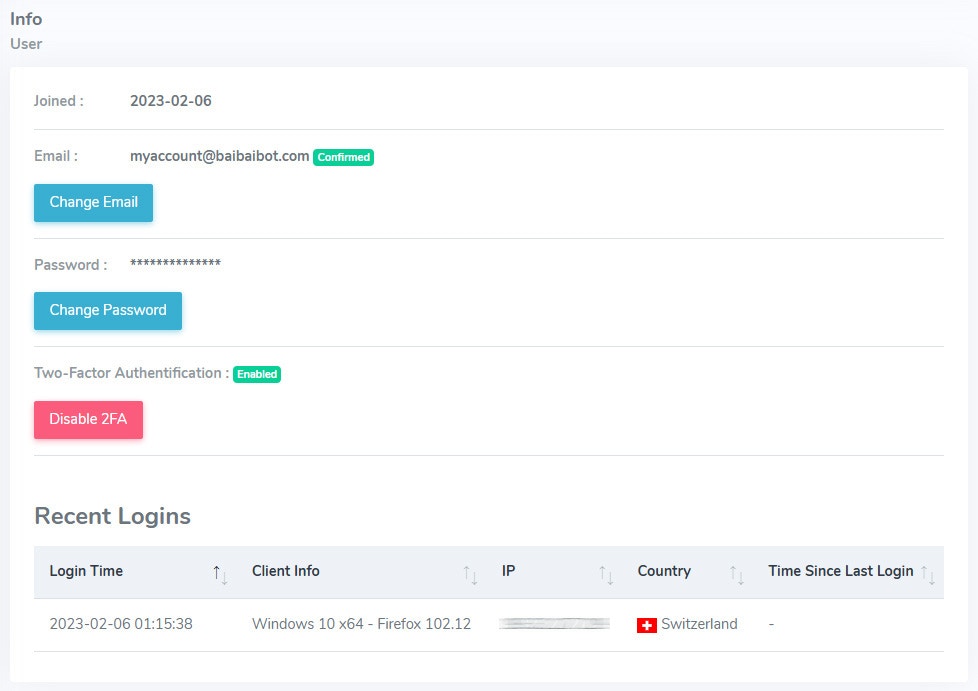
Settings
Manage your account settings, such as your default asset and notification preferences.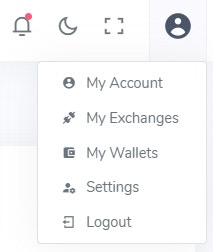
General Settings
Default Asset: The default asset is used to display your account balance and trading history in the currency of your choice. Number Format: Choose the decimal and thousand separator for numbers.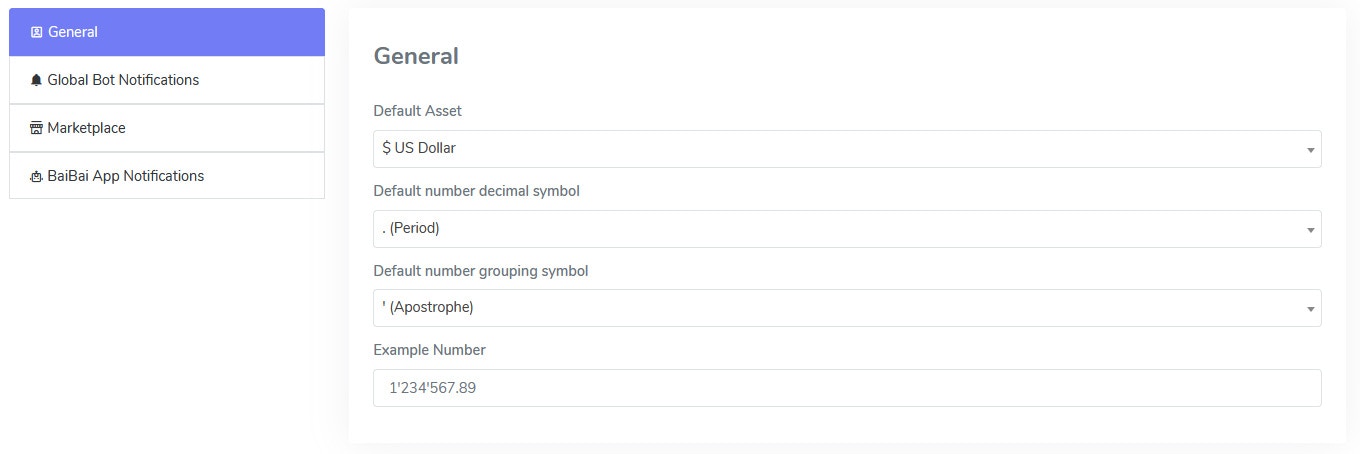
Global Bot Notification Settings
Once a bot executes a trade, you can get the trading signal information in real-time to the BaiBai Desktop App or another registered target channel like your Email, Telegram, Discord, Slack, or Webhook. Bots can also run in Manual Mode where no trades are executed automatically. With these notification settings you can get the trading signal information to your prefered channel (such as Telegram) and decide yourself if you want to execute the trade or not.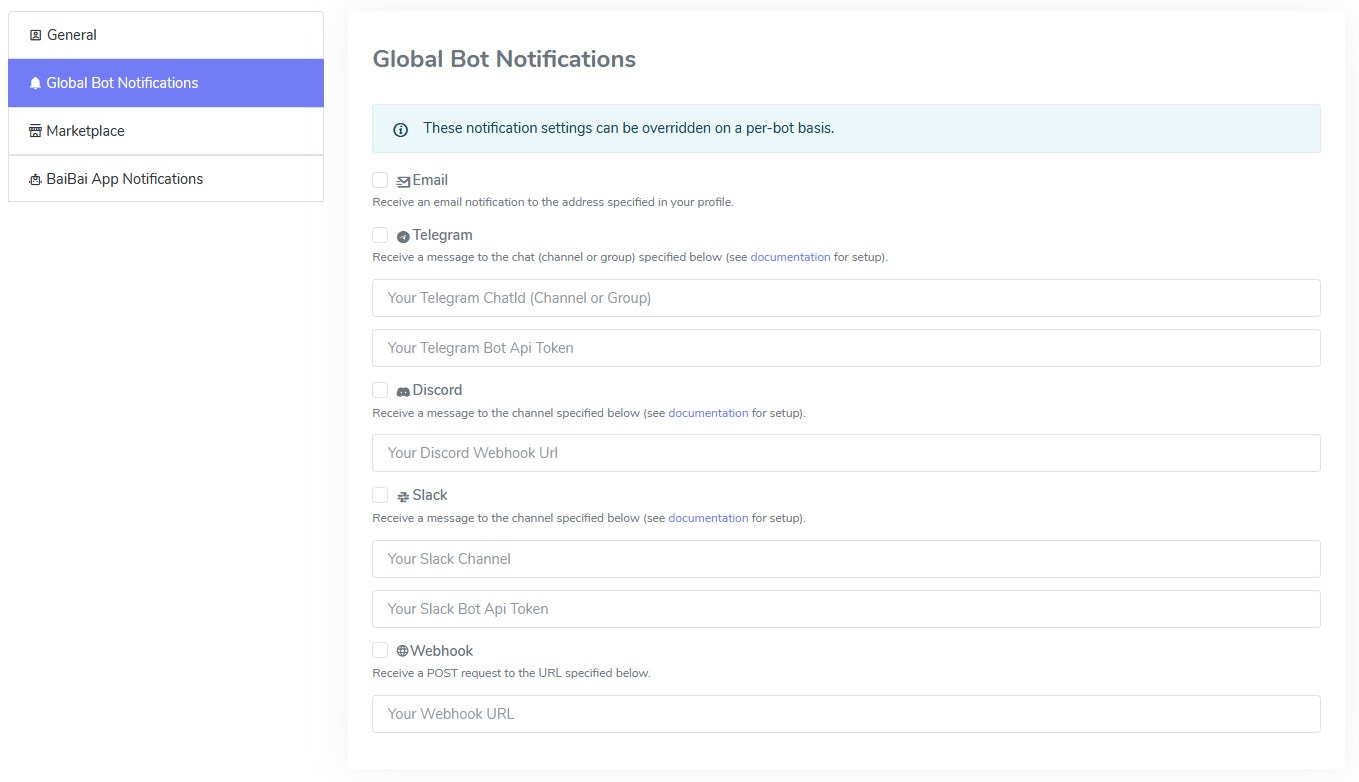
Marketplace Settings
If you plan on using the Marketplace to share your trading signals, you can set your marketplace profile here.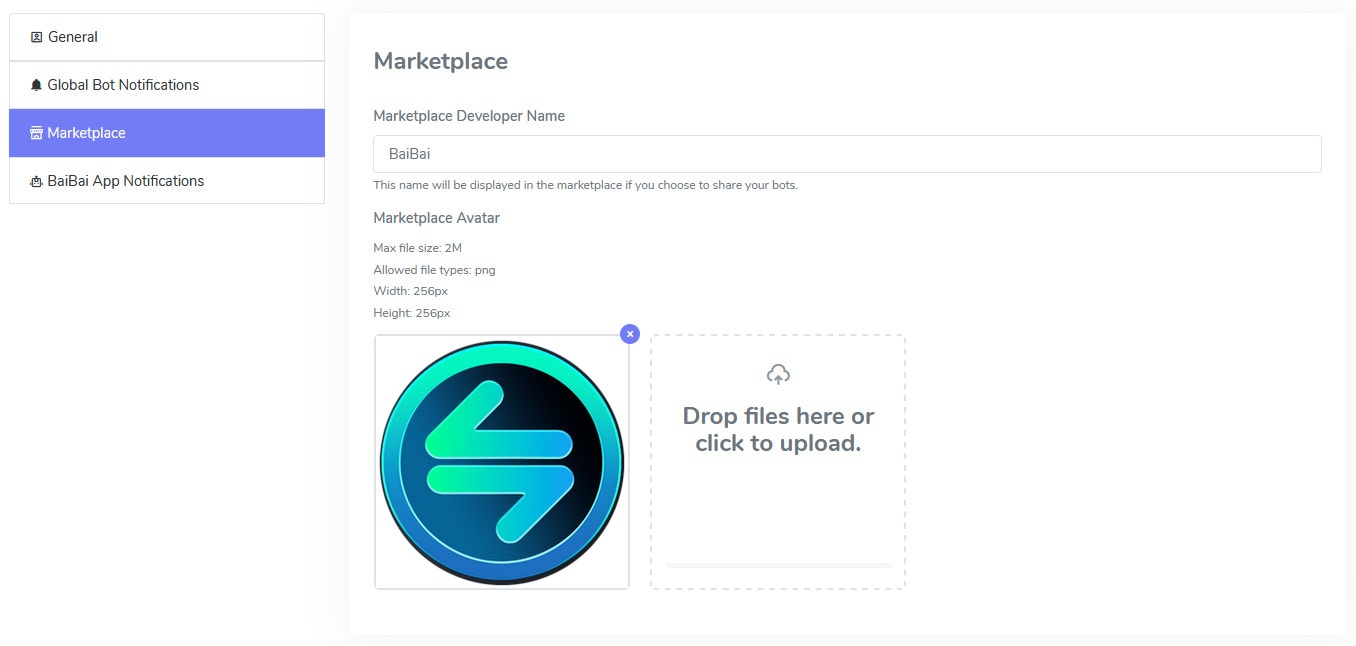
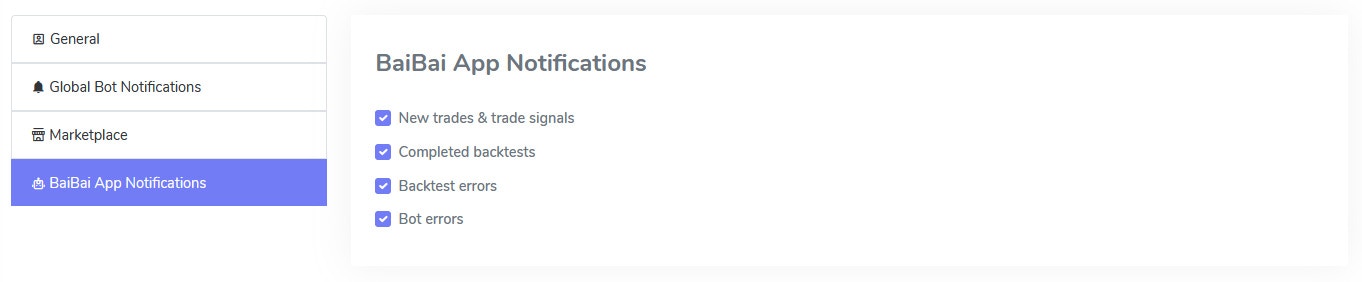
BaiBai Desktop App Notification Settings
Choose which notifications you want to receive in the BaiBai Desktop App.