> ## Documentation Index
> Fetch the complete documentation index at: https://docs.baibaibot.com/llms.txt
> Use this file to discover all available pages before exploring further.
# Setup & Settings
 ## Account
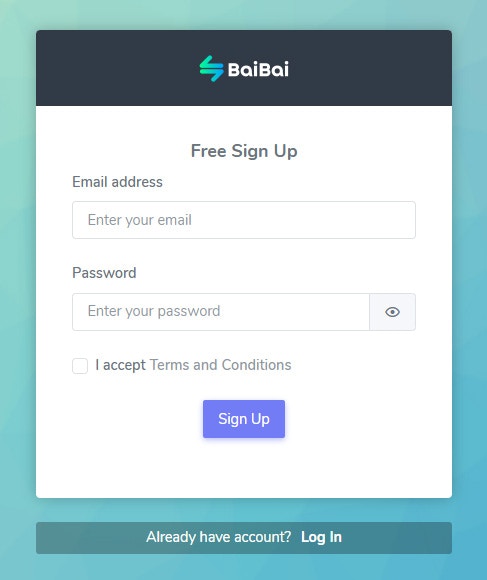
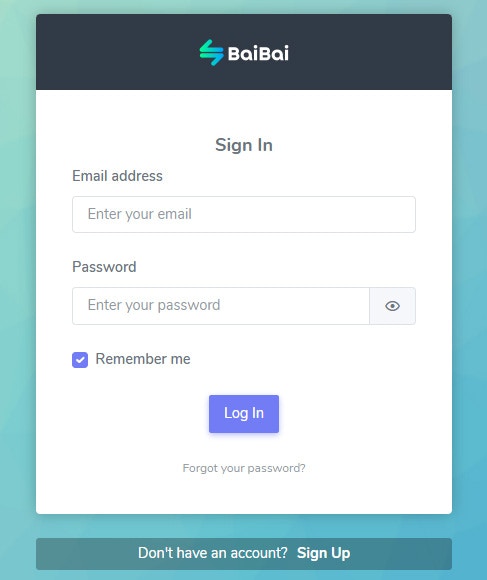
Setting up your account is the first step to using BaiBai. Go to [baibaibot.com](https://baibaibot.com/signup) to create your account.
## Account
Setting up your account is the first step to using BaiBai. Go to [baibaibot.com](https://baibaibot.com/signup) to create your account.
 Your account info is **only visible to you** and can be used to personalize your experience on the BaiBai platform.
**Note**: Your account info is not shared with any third parties.
Your account info is **only visible to you** and can be used to personalize your experience on the BaiBai platform.
**Note**: Your account info is not shared with any third parties.
 ### Two-Factor Authentication
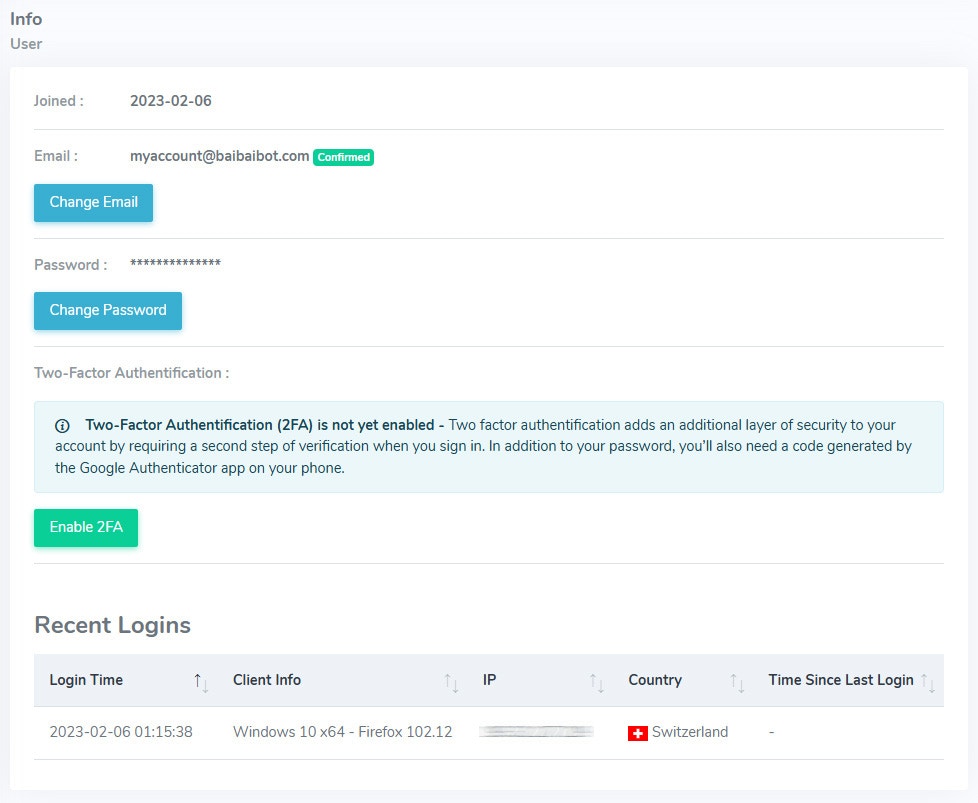
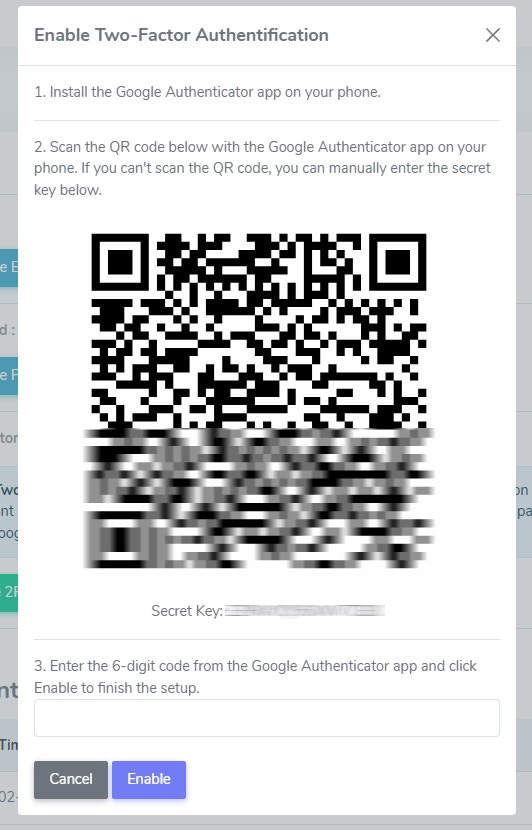
Two-Factor Authentication (2FA) adds an extra layer of security to your account. When enabled, you will need to provide a verification code in addition to your password when logging in.
### Two-Factor Authentication
Two-Factor Authentication (2FA) adds an extra layer of security to your account. When enabled, you will need to provide a verification code in addition to your password when logging in.
 ### Recent Login Activity
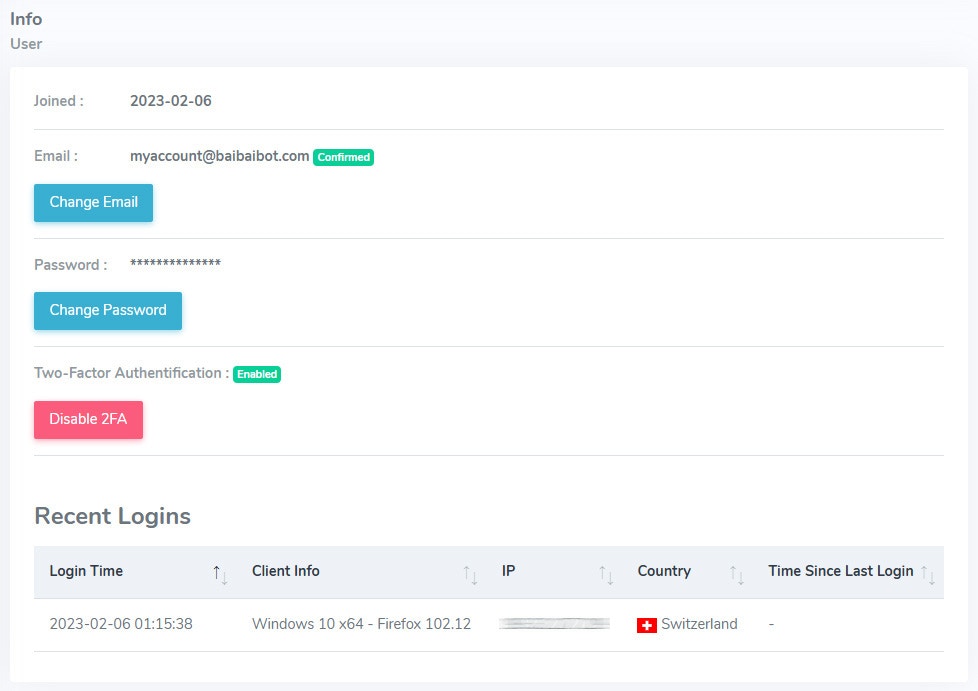
You can also view your recent login activity to see when and where your account was accessed.
### Recent Login Activity
You can also view your recent login activity to see when and where your account was accessed.
 **Tip**: We recommend enabling 2FA to protect your account from unauthorized access.
## Settings
Manage your account settings, such as your default asset and notification preferences.
**Tip**: We recommend enabling 2FA to protect your account from unauthorized access.
## Settings
Manage your account settings, such as your default asset and notification preferences.
 ### General Settings
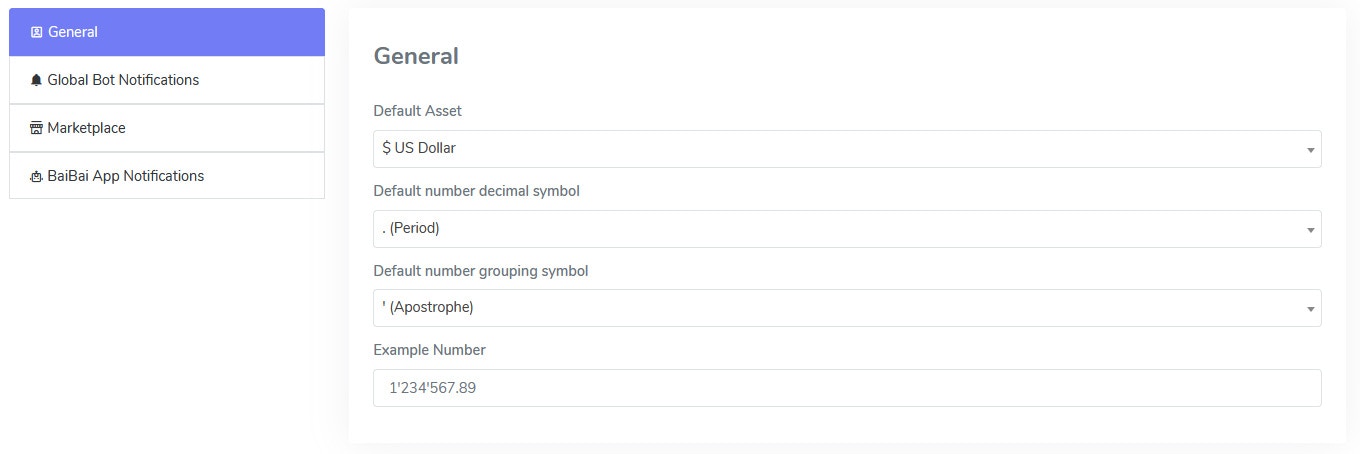
**Default Asset**: The default asset is used to display your account balance and trading history in the currency of your choice.
**Number Format**: Choose the decimal and thousand separator for numbers.
### General Settings
**Default Asset**: The default asset is used to display your account balance and trading history in the currency of your choice.
**Number Format**: Choose the decimal and thousand separator for numbers.
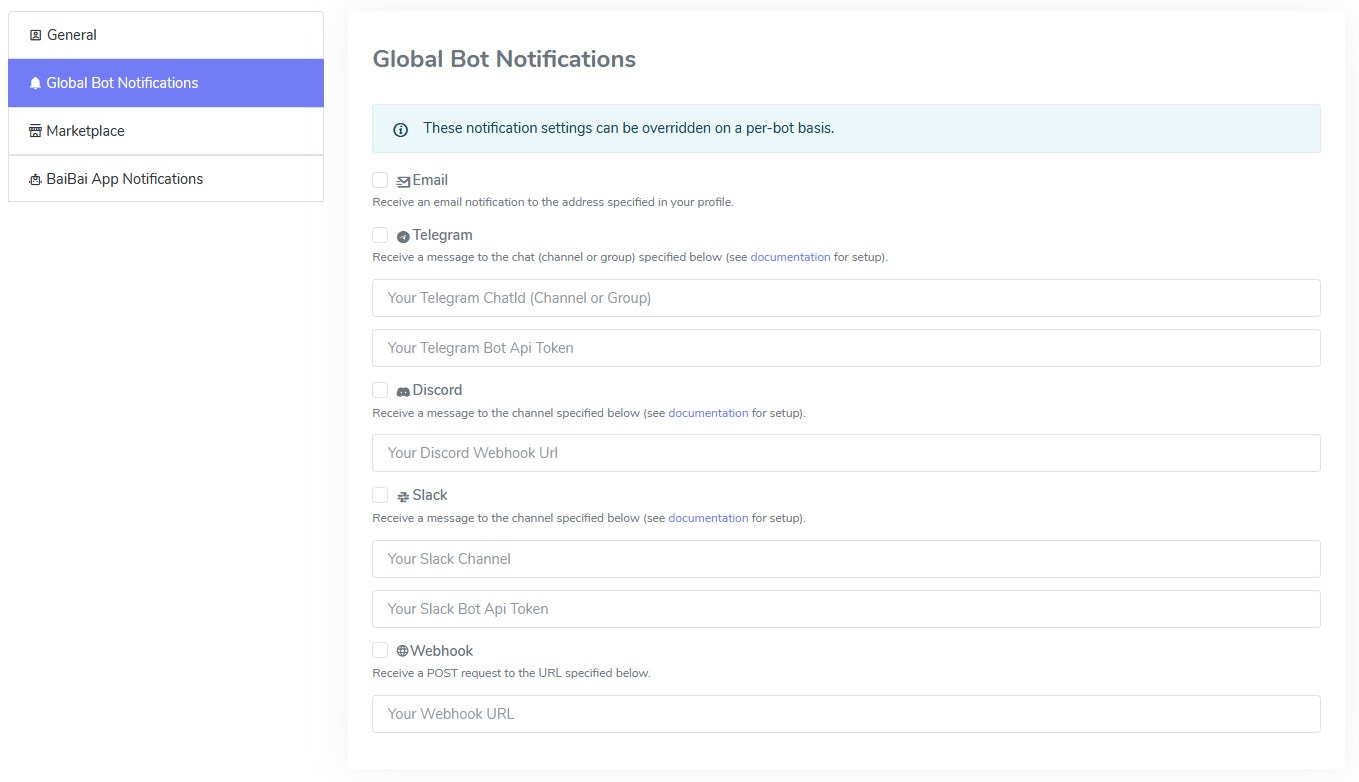
 ### Global Bot Notification Settings
Once a bot executes a trade, you can get the trading signal information in real-time to the BaiBai Desktop App or another registered target channel like your Email, Telegram, Discord, Slack, or Webhook.
Bots can also run in **Manual Mode** where no trades are executed automatically. With these notification settings you can get the trading signal information to your prefered channel (such as Telegram) and decide yourself if you want to execute the trade or not.
### Global Bot Notification Settings
Once a bot executes a trade, you can get the trading signal information in real-time to the BaiBai Desktop App or another registered target channel like your Email, Telegram, Discord, Slack, or Webhook.
Bots can also run in **Manual Mode** where no trades are executed automatically. With these notification settings you can get the trading signal information to your prefered channel (such as Telegram) and decide yourself if you want to execute the trade or not.
 ### Marketplace Settings
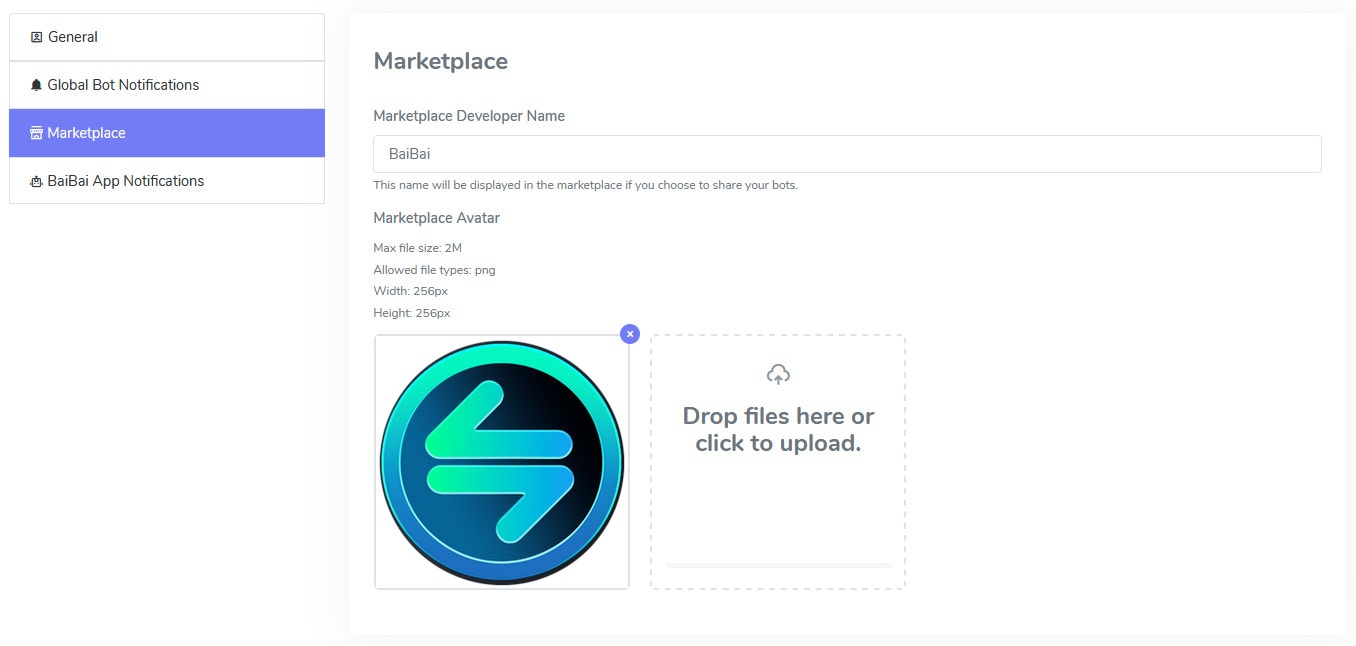
If you plan on using the [Marketplace](/site/marketplace) to share your trading signals, you can set your marketplace profile here.
### Marketplace Settings
If you plan on using the [Marketplace](/site/marketplace) to share your trading signals, you can set your marketplace profile here.
 **Tip**: We never share your personal information such as your email address with other users.
### BaiBai Desktop App Notification Settings
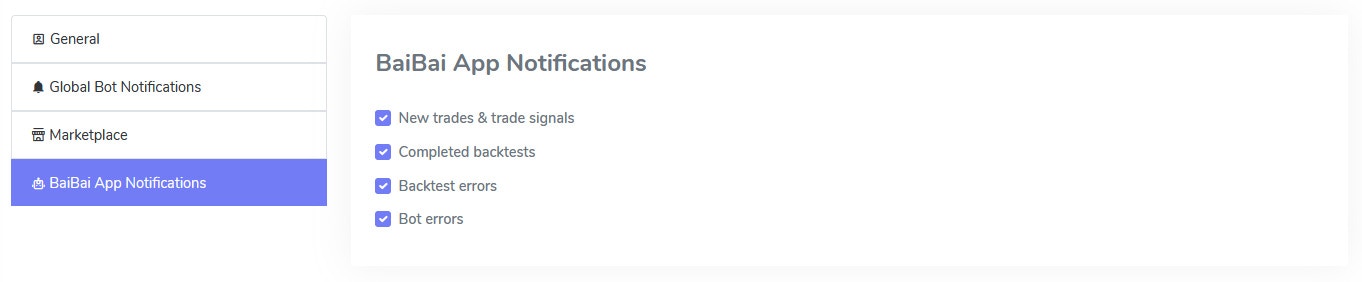
Choose which notifications you want to receive in the BaiBai Desktop App.
**Tip**: We never share your personal information such as your email address with other users.
### BaiBai Desktop App Notification Settings
Choose which notifications you want to receive in the BaiBai Desktop App.
 ### API Settings
Will be available once we release the [API](/api-reference/introduction).
### API Settings
Will be available once we release the [API](/api-reference/introduction).